
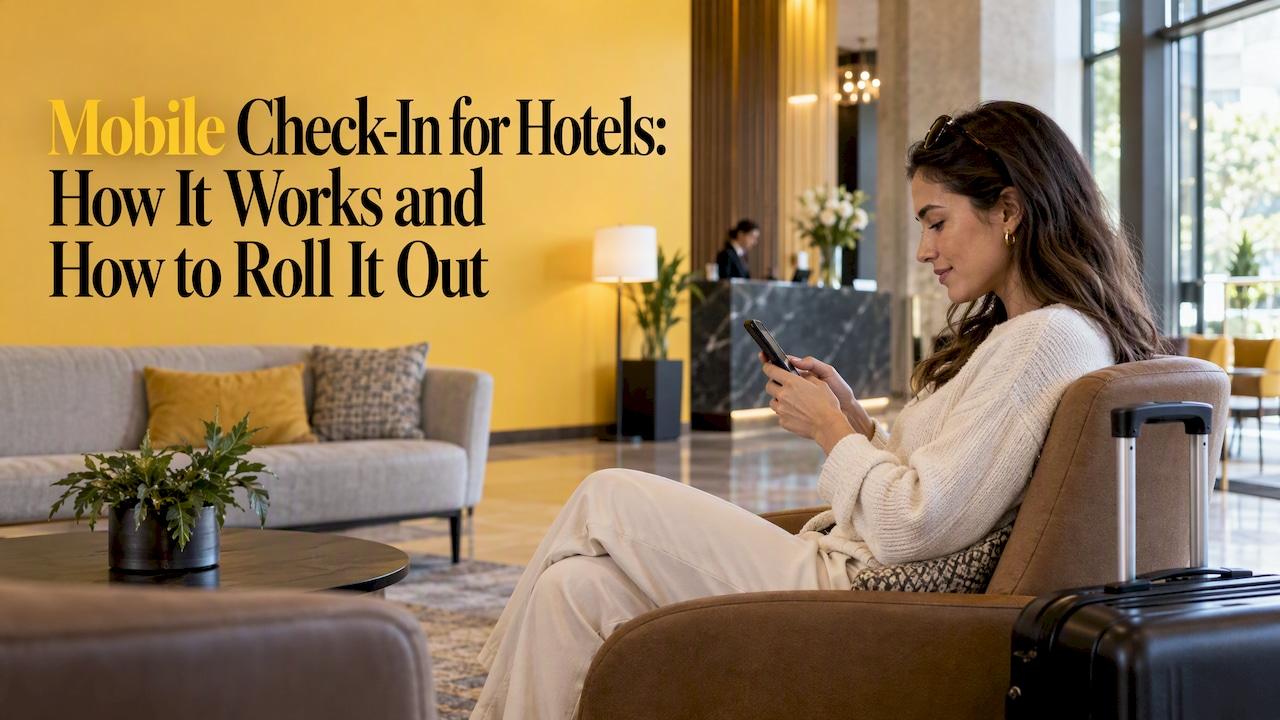
Mobile check-in lets a guest register, verify identity, confirm payment and often choose a room from a phone before reaching the property. At arrival, the guest skips most of the front-desk routine, and in many hotels uses the phone as the room key. For owners, it shortens lines, moves data collection ahead of arrival and frees staff for conversations that earn revenue. It also depends on your property management system (PMS), locks, payment setup and a clear plan for guests who still need a person.
This guide covers both sides: what guests actually do, and what a hotel must put in place so the feature works on a busy Friday afternoon.
TL;DR
- Guests get a link or app prompt roughly 24 to 48 hours before arrival, then confirm details, ID and payment on their phone.
- On arrival they either go straight to the room with a digital key or stop briefly to show ID and collect a key.
- A hotel needs a PMS that writes data back in real time, compatible locks, ID capture and a payment gateway with pre-arrival authorization.
- Measure it: wait time, pre-arrival completion rate, night-audit reconciliation time, support calls and guest sentiment.
- Write exception procedures first. Payment failures, early arrivals and guests who prefer a person decide whether the program feels smooth.
Table of Contents
- What mobile check-in means for a guest
- Why hotels offer it
- What your property needs before launch
- Protecting guest data
- Keep a human option for every guest
- Measuring whether it works
- A rollout plan that fits a busy property
- Our perspective
- Getting help with your check-in strategy
- FAQ
- Sources
What mobile check-in means for a guest
Mobile check-in, sometimes called digital check-in, is a self-service process that lets guests complete check-in on a mobile device, typically through an app, and select a room before arriving. The guest does the paperwork on their own time instead of standing at the desk with luggage.
The exact flow differs by brand and by property, but the pattern is consistent.
The usual steps
- The invitation. Guests typically receive an email or SMS registration link 24 to 48 hours before arrival. Brand apps send a push notification instead.
- Arrival details. The guest picks an estimated arrival time. Hilton's process, for example, has Honors members choose an arrival time, decide whether to select their own room, and review or change card details before finishing.
- Identity and payment. Registration, identity verification and payment authorization all happen by phone. Some properties capture a photo of a government ID in the flow.
- The key. Where the hotel supports it, the phone becomes the room key. Otherwise, a key waits at the desk or a lobby kiosk.
What happens at arrival
Guests do not always skip the lobby. After IHG digital check-in, guests go to a designated lobby area, show identification and collect their room key. At properties with digital keys, the same guest may walk straight to the elevator. Both outcomes count as a win: the transaction work is done, and the lobby moment becomes shorter and friendlier.

The card hold guests should expect
Guests are often surprised by the payment hold. IHG's mobile check-in terms say that by using digital check-in, a guest agrees the hotel may place an authorization hold on the booking card for incidental expenses, on top of room charges and taxes. Say this plainly in your pre-arrival message. A hold that appears without warning is one of the quickest ways to turn a convenience feature into a complaint.
Why hotels offer it
The benefits fall into three groups: guest convenience, data and revenue, and staff time.
- Convenience. Guests skip the front-desk line and, in the best case, avoid the desk entirely.
- Data and upsell. You collect guest information before arrival and gain a natural moment to offer a room upgrade, early check-in or late checkout, while the guest is already deciding about the stay.
- Staff time. When transactions move to the phone, staff can answer questions, offer recommendations and resolve issues instead of keying in registration cards.
There is operational evidence behind the wait-time claim. A trade report says mobile check-in and self-service kiosks can cut average wait times by 30 to 40% once more than half of guests use them. The same page cites Cornell research linking a five-minute cut in perceived waiting to double-digit gains in intent to return. Treat the adoption threshold as the key detail: a feature that 5% of guests use barely moves the lobby.
A short wait is not only a courtesy. Any venue that rations access, whether rooms, tables or tee times, learns that reservation hold timers and clear time limits shape how guests feel about the process. The same logic applies at the desk: guests judge the first five minutes of the stay by how little friction they meet.
What your property needs before launch
Mobile check-in is not a feature you switch on in isolation. Stayntouch describes it as an integration-dependent layer that needs a real-time, two-way PMS, so you avoid partial records and manual reconciliation. In practice a hotel needs a PMS that supports mobile check-in and real-time write-back, compatible door locks, ID scanning, and a payment gateway supporting pre-arrival authorization and tokenization.
| Component | What it must do | Question to ask before buying |
|---|---|---|
| PMS | Support mobile check-in natively or by integration, and write completed check-in data back in real time | Does a completed check-in update the reservation instantly, with no night-audit cleanup? |
| Door locks | Accept digital keys or issue keys on demand | Do our current locks work with the key app, or is a hardware change needed? |
| Housekeeping status | Show which rooms are ready | Can the system assign only clean, inspected rooms? |
| ID capture | Collect and store identification securely | Where are images stored and for how long? |
| Payment gateway | Authorize cards before arrival and tokenize them | Does it support pre-arrival holds without storing raw card data? |
Lock hardware is where many projects stall. Industry reporting notes that adoption across chains is mixed, with barriers including guest preference for keycards, fragmented lock systems and hardware limitations. If your locks are older, price the upgrade before you promise digital keys, and consider launching check-in first, with a key pickup at the desk or kiosk.
Challenges to plan for
The common problems are predictable: new software, power or internet outages, and updated front-desk policies and training for room assignments. Room assignment deserves special attention. If guests can choose rooms, your team must decide which rooms are eligible, who handles conflicts and what happens when a chosen room is not ready.

Protecting guest data
Pre-arrival check-in means you hold identity documents and payment data earlier and longer than before. Build these rules into the rollout:
- Use a payment gateway with tokenization and encryption, so card numbers never sit in your own systems.
- Collect only the identification your policy and local rules require.
- Set a retention period for ID images and confirm with your vendor where they are stored and when they are deleted.
- Tell guests, in the check-in flow itself, what you collect and why.
Ask your vendor for the retention and storage terms in writing. Vendor marketing pages describe their own settings, which may not match the contract you sign. Your counsel or a payment-security specialist should confirm the final policy.
Keep a human option for every guest
Some guests have no data plan, a dead battery, a phone that cannot run the app, a disability that makes a small screen hard to use, or simply a preference for a conversation. A well-run program treats these as normal arrivals, not failures.
- Keep the desk staffed during peak arrival hours with someone empowered to complete a check-in manually.
- Make sure every digital step has a plain-language alternative, and that the pre-arrival message says how to reach the hotel.
- Test the flow with screen readers and large-text settings before launch, and ask a few guests with different needs to try it.
- Brief staff to treat the guest who walks to the desk after checking in online as a priority, not an exception.
If your team is also deciding how much automation and AI tooling the front desk should adopt, a structured AI readiness assessment for hospitality shows the kind of staff-survey approach that surfaces risks and training gaps early, before a tool reaches guests.
Write your exception procedures first
Guestara's front-desk guidance says hotels should document standard operating procedures for identity problems, payment failures, early arrivals and room changes. It suggests handling guests manually at properties under 50 rooms and using lobby kiosks at larger ones. Whatever your size, an exception SOP should answer these questions in a sentence or two each:
- ID does not match or cannot be read. Who verifies in person, and what do they record?
- Card declines or the hold fails. What is the second payment option, and who may approve it?
- Guest arrives before the room is ready. What is the bag-hold and notification process?
- Unregistered guest added at arrival. Who completes the additional registration?
- Room change requested. Who approves it, and does the digital key reissue automatically?
The aim is to keep exceptions from slowing everyone else. A good SOP means the guest with a problem gets personal attention while the guest with a clean check-in still walks past.
Measuring whether it works
Decide on metrics before launch so you can tell whether the program earns its cost. A field review of budget and midscale properties suggests tracking check-in time saved, guest sentiment and net-promoter cues, night-audit reconciliation time, and support-call volume.
Here is how to read the numbers that have been published. They show the range of results, not a promise for your property.
| Metric | Reported result | What it tells you |
|---|---|---|
| Average check-in wait | A 2026 New York pilot combining digital options, apps and kiosks cut it by 40.2%, from 11.2 to 6.7 minutes | Whether the lobby is actually faster |
| Pre-arrival completion | Pilots of a mobile-first guest flow platform rose from 5% to 20% | Whether your invitation message works |
| Rate impact | A lodge case study recorded a 25% online check-in rate and an 8% higher ADR among guests who used digital check-in | Whether upsell prompts convert |
| Satisfaction | One resort operator reported a 12-point rise in front-desk NPS and 30% contactless check-in adoption after adding two-way messaging | Whether guests feel better served |
Two cautions when you compare. First, these come from different property types and vendors, so use them to set questions, not targets. Second, the biggest lever is the one under your control: the completion rate. If only a small share of guests start check-in, every other benefit stays small. Test the timing of the message, the subject line, the number of steps and whether the link opens straight to the reservation.
A rollout plan that fits a busy property
- Audit the stack. Confirm your PMS, locks, payment gateway and housekeeping status can work together in real time. List what must be replaced.
- Define the guest flow. Decide what guests can do (confirm details, upload ID, choose a room, add a card, request a key) and what stays human.
- Write the SOPs. Cover the five exception types above, plus outages.
- Train the desk. Staff need to know the system and the new role: greeting, problem-solving and recommendations, not data entry.
- Pilot. Start with one segment, such as direct bookings or loyalty members, and review weekly.
- Promote it. Mention check-in in the booking confirmation, the pre-arrival email and on signage at the desk.
- Review the metrics. Compare wait time, completion rate, call volume and review comments against your baseline, then adjust.
Prompt delivery matters as much as the tool. Automated messages that answer guests quickly also support loyalty, which is why many operators study how automated support supports customer retention when they design pre-arrival communication.
Our perspective
Most hotels we talk to treat mobile check-in as a technology purchase. We treat it as an operating decision. The software is the easy part. The hard part is deciding what your front-desk team should do with the time it gets back.
Our approach is data-driven: we look at market trends and guest feedback first, then build a plan around your property, whether it is a boutique hotel or an upscale restaurant group. For check-in, that means asking what guests complain about at arrival, where the line forms, and which moments in the first ten minutes of a stay could earn loyalty or an upsell.
We believe the strongest programs pair a clean digital path with a confident human one. Guests who prefer the desk get warm service, and guests who prefer the phone never wait. Pre-arrival messages, upgrade offers and follow-up after the stay are marketing as much as operations, and they should be designed together.
That is the work we do with hoteliers: tailored strategy, operational support and performance tracking, so improvements in occupancy and guest retention are measured instead of assumed.
La’Quentin
Getting help with your check-in strategy
If you own or invest in a hotel and want mobile check-in to improve guest experience and revenue, not just add another app, we can help. Our hospitality marketing strategies combine market analysis and guest feedback to shape the pre-arrival journey, the messaging and the front-desk role around your property.

Start with our hospitality marketing strategies, or book a consultation to talk through your property and goals.
FAQ
Can I check in to a hotel online?
Yes. Many hotels send an email, text or app notification a day or two before arrival, and you confirm your details, identity and payment from your phone. Major brands offer it through their apps, with options such as choosing an arrival time or a room. Availability depends on the hotel and sometimes on how you booked.
Is digital check-in the same as mobile check-in?
In everyday use, yes. Both mean completing registration remotely on a phone or other device before arrival. Some hotels use "digital check-in" for a web link and "mobile check-in" for an app, but the guest steps are nearly the same.
Do I still stop at the front desk after checking in on my phone?
Sometimes. If the hotel offers a digital key, you can go straight to your room. If not, you typically go to a designated area, show ID and collect a key. Check the confirmation message or the hotel's page for how your property handles arrival.
What does a hotel need to offer mobile check-in?
A PMS that supports it and updates in real time, compatible door locks, ID capture and a payment gateway that can authorize cards before arrival. It also needs staff training and written procedures for exceptions such as payment failures and early arrivals.
How do hotels know if mobile check-in is working?
They track wait time, the share of guests who complete check-in before arrival, night-audit reconciliation time, support calls and guest sentiment. Compare each against your pre-launch baseline, not against another property's results.
Sources
- Digital Check-in, Hilton Help Center
- Mobile Check-In Terms, IHG
- IHG Hotels & Resorts announces digital check-in is now available
- Mobile Check-In for Hotels: An Operator's Complete Guide
- Self Service Hotel Check-In System: Mobile, Kiosk & Hybrid
- Hotel Mobile Check-In: The Complete Guide, Cvent Blog
- Hotel Mobile Check-In: Complete Guide & Checklist
- Rebuilding the Front Desk Around Guest Flow
- Contactless check-in evolves to benefit staff, owners as well as guests
- Hotel front desk SOP for digital check-in exceptions
- Field Review: Mobile Check-In at Budget & Midscale Motels
- Innspire officially launches Guest Flows at HITEC
- The Incline Lodge case study
- MGM Resorts case study
- Reservation hold timers
- AI readiness assessment for hospitality groups
- How automated support enhances customer retention